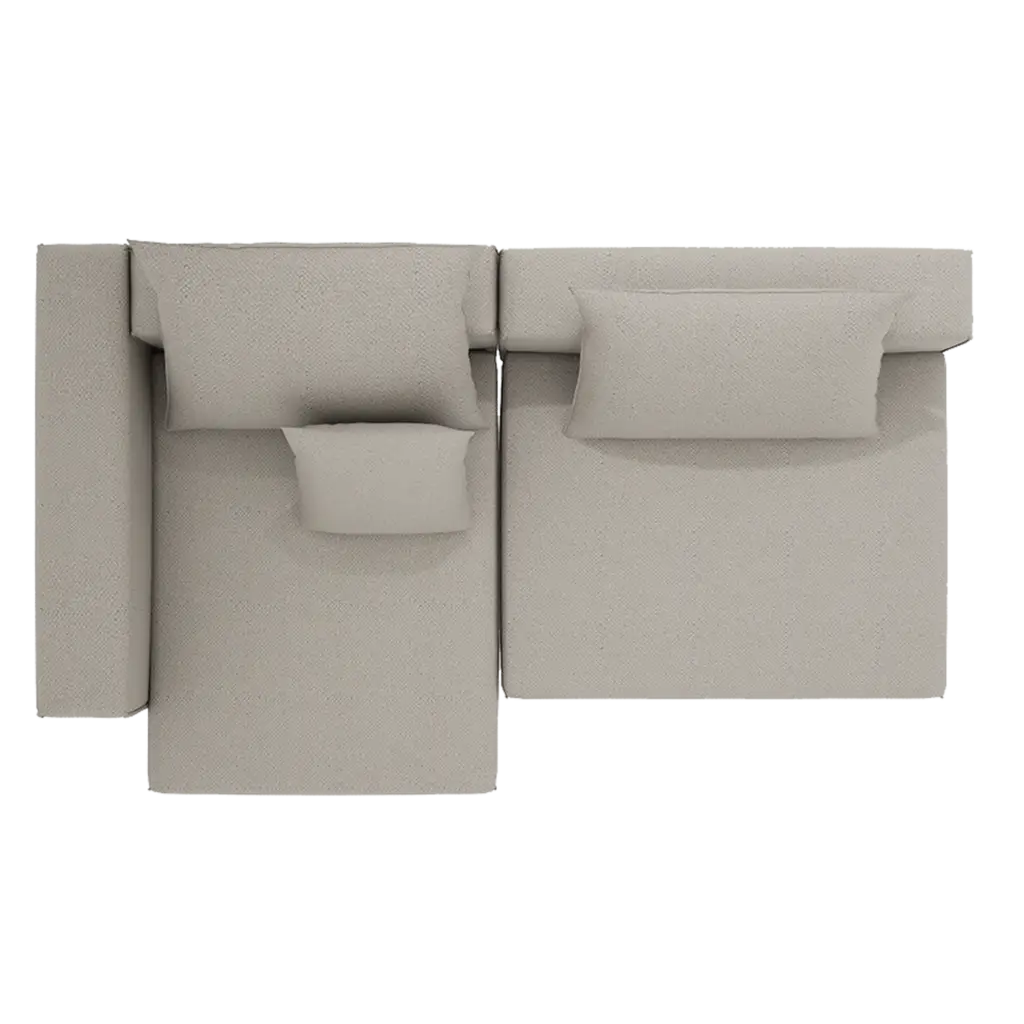

View and understand configurations from every angle. Switch perspectives, check proportions, and gain spatial clarity—while staying fully in control of the editing experience.
2D & 3D Editing
Seamlessly switch between 2D and 3D views at any time. Both modes remain fully interactive—allowing users to edit, adjust, and refine configurations from the perspective that suits them best.
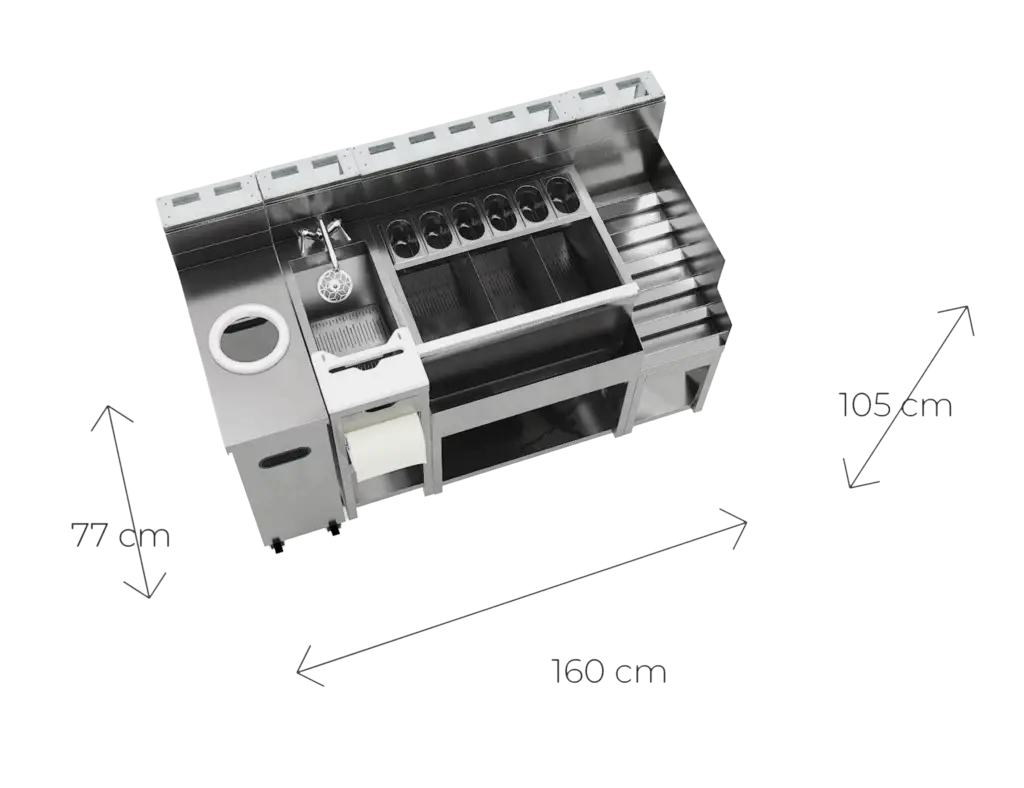
Measurement Tool
Activate the measurement tool to instantly check dimensions—helping users better understand scale and make more informed decisions.
Room Context
Place configurations within a spatial context to better understand how they relate to real environments—supporting more confident planning and visualization.
The feature set is designed as a flexible framework—adaptable across products, industries, and use cases.
Working together, these features create a smoother, faster, and more effective user journey.
If you’re missing something specific, let us know—we’re ready to build it.
Why Teams Choose US
Our focus is simple: make configuration feel natural and enjoyable.
That’s why we emphasize:
Photorealistic quality with textures and colors that match reality.
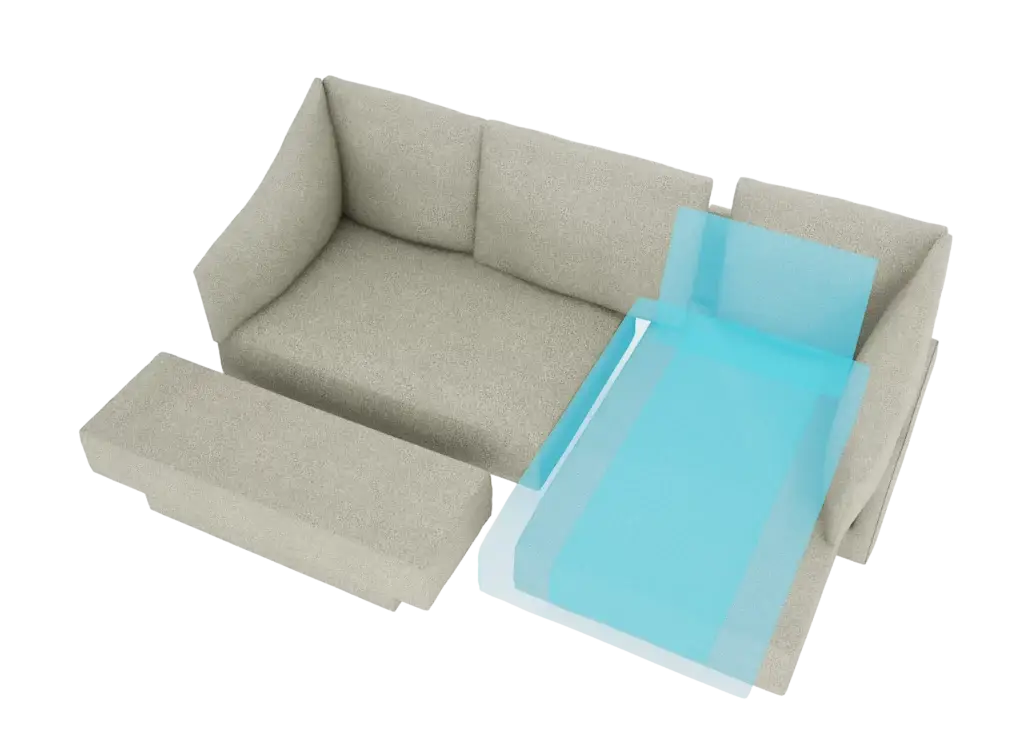
A truly intuitive drag-and-snap modular logic.
Smooth animations that communicate product function and structure.
Built-in analytics so you learn what customers actually want.